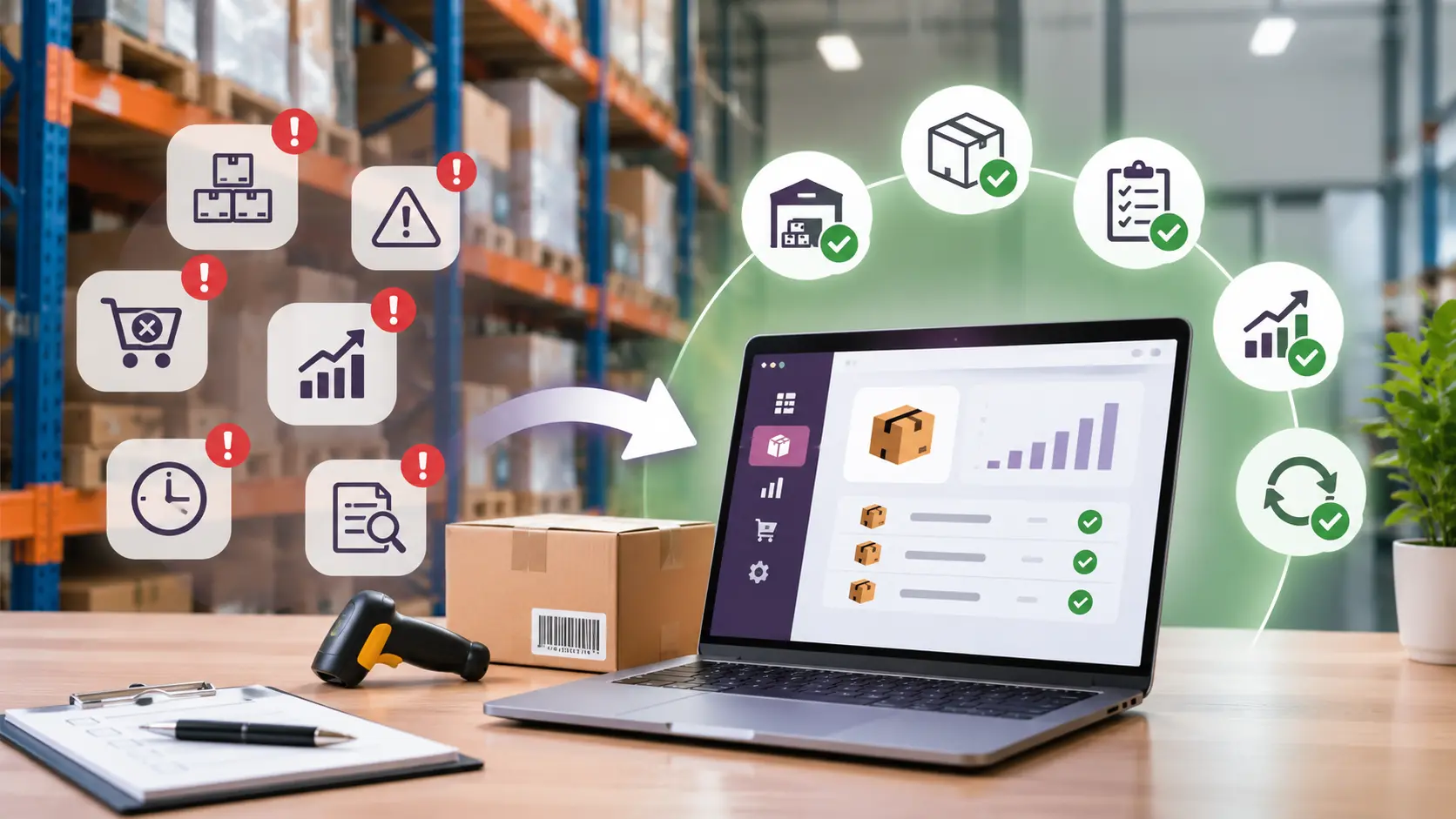
E-Invoicing & Compliance Guide 2026
Pakistan's digital tax landscape is evolving, making FBR e-invoicing integration increasingly important for businesses using ERP and accounting software.
With the release of Odoo 20 in September 2026, businesses in Pakistan can now explore official FBR e-invoicing integration capabilities alongside improved accounting localization, tax configuration, and financial reporting features.
For manufacturers, distributors, retailers, and other sales-tax-registered businesses, this development offers an opportunity to streamline invoicing processes while supporting applicable FBR compliance requirements.
But how does Odoo 20 FBR integration work, and what should businesses know before implementation?
What Is FBR Digital Invoicing in Pakistan?
FBR digital invoicing is an electronic reporting system that enables businesses to generate and transmit structured sales tax invoice information to Pakistan’s Federal Board of Revenue (FBR).
Unlike traditional PDF or paper invoices, FBR-compliant electronic invoicing involves structured invoice data and communication with the designated FBR infrastructure.
The system is designed to:
- Standardize electronic sales tax invoice reporting
- Improve transaction transparency and record accuracy
- Reduce dependence on manual reporting
- Support better tax monitoring and reconciliation
For businesses using ERP systems such as Odoo, integration can connect everyday invoicing operations with the required electronic reporting process.
Is FBR E-Invoicing Mandatory in Pakistan in 2026?
Yes. FBR has introduced mandatory electronic invoicing requirements for applicable sales-tax-registered businesses.
The regulatory framework includes S.R.O. 709(I)/2025, while subsequent notifications and orders have addressed implementation arrangements and related requirements. Odoo 20’s official release notes also reference S.R.O. 1852(I)/2025 in connection with Pakistan’s FBR integration.
Businesses potentially affected include:
- Manufacturers and industrial businesses
- Wholesalers and distributors
- Importers and trading companies
- Retailers covered by applicable requirements
- Sales-tax-registered businesses using ERP or accounting software
Important: Compliance obligations and deadlines depend on applicable FBR notifications, registration status, and subsequent regulatory developments. Businesses should verify their specific requirements through official FBR guidance.
What’s New in Odoo 20 for FBR Integration?
Odoo 20 introduces several Pakistan-specific accounting improvements that can help businesses manage invoicing, financial records, and local tax processes.
1. Official FBR E-Invoicing Integration
Odoo 20 includes official support for FBR e-invoicing within its Pakistan localization. This enables businesses to evaluate an integrated workflow for preparing and submitting electronic invoice information through the applicable authorized integration arrangement.
2. Improved Tax Configuration
Odoo 20 simplifies Pakistan’s accounting localization by updating tax configurations related to statutory sales tax, further tax, and withholding tax. These improvements can help businesses maintain more consistent accounting and tax records.
3. Updated Business Identification Fields
Odoo 20 introduces enhanced customer identification capabilities. The previous NTN field is renamed Business Identification Number, while a separate Consumer Identification field helps distinguish individual customers. Correct customer identification is important for preparing accurate electronic invoice information.
4. Enhanced Financial Reporting
Pakistan-specific improvements also include updated chart-of-accounts groupings, trial balance reporting, dynamic financial statements, and preparatory changes related to FBR Form-7 reporting.
5. FBR POS Integration
Odoo 20 also introduces POS reporting integration relevant to Pakistan’s Tier-1 retailer requirements. However, POS reporting and sales tax e-invoicing are distinct processes and should be configured according to their respective requirements.
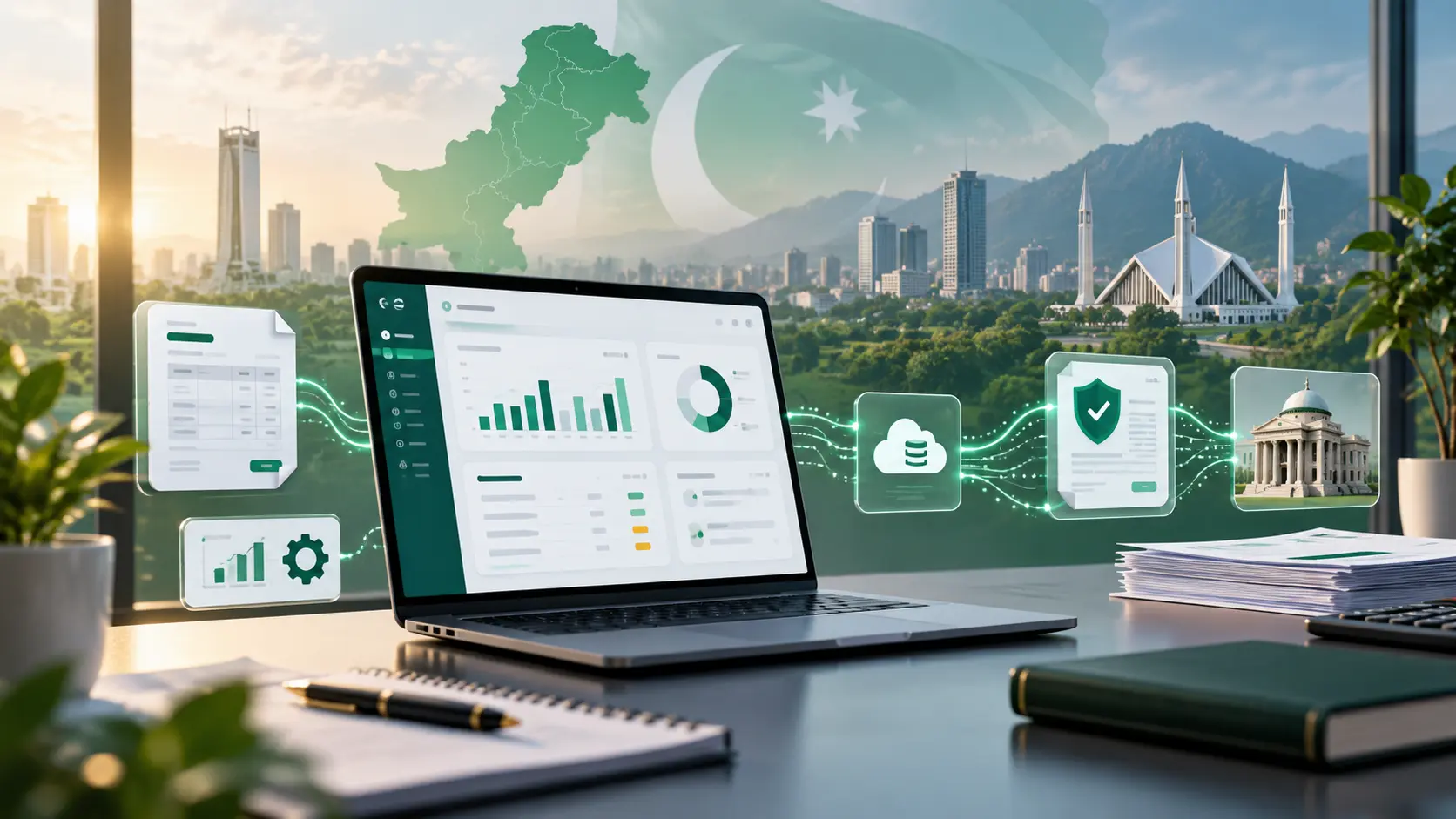
How Does Odoo 20 FBR Integration Work?
Odoo FBR integration connects the business’s invoicing workflow with the applicable electronic reporting infrastructure.
Invoice Creation → Data Validation → Authorized FBR Submission → FBR Response → Record Reconciliation
Step 1: Create an Invoice
Businesses generate sales invoices through Odoo Accounting using customer, product, pricing, and tax information.
Step 2: Validate Invoice Data
Required information, including seller and buyer details, invoice values, tax calculations, and applicable classifications, must be checked against FBR’s technical specifications.
Step 3: Submit Through Authorized Integration
Invoice data is transmitted through the configured integration arrangement. FBR’s guidance specifies licensed integrators for applicable ERP and invoicing-system connections.
Step 4: Process the FBR Response
The integration processes FBR’s response, including successful submission details or validation errors requiring correction.
Step 5: Maintain Accurate Records
Businesses should reconcile their accounting invoices with the corresponding FBR submission results and maintain appropriate records of exceptions and corrections.
Note: Installing Odoo 20 does not automatically make a business FBR-compliant. Proper configuration, authorization, testing, and ongoing monitoring remain essential.
Key Benefits of Odoo 20 FBR Integration
A well-implemented Odoo FBR e-invoicing solution can support both regulatory processes and operational efficiency.
Business benefitPractical valueReduced manual workMinimizes repetitive invoice data entryImproved accuracySupports more consistent tax and customer informationBetter visibilityHelps identify pending, successful, and rejected submissionsCentralized accountingConnects invoicing with sales and financial recordsAudit readinessSupports traceable transactions and reconciliationScalable processesHelps businesses manage increasing invoice volumesThese benefits depend on the integration’s configuration, operational controls, and implementation quality.
Important FBR Compliance Requirements
Before activating FBR integration, businesses should understand several important technical and regulatory considerations.
Licensed Integrators: FBR requires applicable businesses to integrate through authorized licensed integrators. PRAL is identified in official guidance as an integration service provider.
Sandbox Testing: FBR’s technical documentation describes sandbox testing and production authorization processes to help verify supported invoice scenarios before live deployment.
Invoice Corrections: Under FBR Sales Tax General Order No. 01 of 2026, dated March 30, 2026, qualifying electronic sales tax invoices generated due to bona fide mistakes may be corrected through FBR’s computerized system within 72 hours. Corrections after that period require prior approval from the concerned Commissioner Inland Revenue, subject to applicable conditions.
These requirements make proper system configuration and financial controls essential.
How to Prepare Your Business for Odoo 20 FBR Integration
Successful implementation begins with an assessment of existing accounting processes and technical readiness.
- Confirm FBR Requirements: Review your business’s applicable regulatory obligations and authorized integration arrangements.
- Assess Your Odoo System: Evaluate your existing Odoo version, custom modules, hosting environment, and accounting configuration.
- Review Business Data: Validate customer identification, product information, tax mappings, and invoice classifications.
- Configure and Test: Complete the required integration configuration, sandbox testing, and production authorization procedures.
- Train Your Team: Ensure accounting staff understand invoice validation, error handling, and reconciliation.
- Monitor Performance: Regularly review submission statuses, failed transactions, and changes to FBR requirements.
A structured implementation approach helps reduce disruptions and supports reliable invoicing operations.
Should Businesses Upgrade to Odoo 20 for FBR Integration?
Odoo 20 offers an important advantage through its officially documented Pakistan FBR e-invoicing capabilities. However, upgrading is not necessarily required for every business.
Organizations already using Odoo 18 or Odoo 19 may have access to compatible third-party or custom integration options, depending on their technical environments and applicable compliance requirements.
Before upgrading, consider:
- Whether your existing system supports an appropriate FBR integration
- Compatibility with existing custom modules
- Migration costs and operational risks
- The value of Odoo 20’s updated accounting features
- Long-term maintenance and support requirements
The objective should be reliable FBR compliance and operational efficiency, not simply moving to the newest ERP version.
Frequently Asked Questions
Does Odoo 20 Support FBR E-Invoicing in Pakistan?
Yes. Odoo 20’s official release notes confirm support for FBR e-invoicing within its Pakistan accounting localization.
Is FBR Digital Invoicing Mandatory in Pakistan?
FBR has introduced mandatory electronic invoicing requirements for applicable sales-tax-registered businesses. Specific obligations depend on current notifications and registration circumstances.
Can Odoo Automatically Send Invoices to FBR?
Odoo 20 includes FBR integration functionality, but automatic submission depends on the authorized integration arrangement, configuration, and supported workflows.
Is an FBR Licensed Integrator Required?
FBR’s published guidance specifies licensed integrators for applicable ERP and invoicing-system integrations. Businesses should verify their implementation arrangements before deployment.
Can Businesses Using Older Odoo Versions Integrate With FBR?
Potentially. Compatible integration solutions may exist for older Odoo versions, but their technical suitability and compliance arrangements must be verified.
Is FBR POS Integration the Same as E-Invoicing?
No. Although both involve electronic reporting to FBR, POS integration and digital sales tax invoicing have different regulatory and technical requirements.
Final Thoughts
Pakistan’s digital invoicing requirements are reshaping how businesses manage tax reporting and financial transactions.
With its updated Pakistan accounting localization and official FBR integration support, Odoo 20 provides valuable capabilities for businesses modernizing their invoicing operations.
However, successful implementation depends on accurate financial data, proper tax configuration, authorized integration, and ongoing monitoring.
For Pakistani businesses, the right ERP strategy should combine compliance readiness with efficient and reliable accounting processes.
Simplify Your ERP and FBR Integration With INVOSOL
Preparing your business for digital invoicing requires more than installing accounting software.
INVOSOL helps organizations improve their business systems through ERP consulting, Odoo implementation, system integrations, and process optimization.
Whether you’re evaluating Odoo 20 or improving an existing ERP environment, our consulting services can help you assess your technical requirements and plan the next steps.
Explore our ERP consulting services and build a more connected financial workflow.
Website: https://invo-sol.com/
ERP Consulting: https://invo-sol.com/services/erp-consulting
Disclaimer: This article is for general informational purposes and does not constitute legal or tax advice. Businesses should confirm current requirements with FBR, an authorized integrator, and a qualified tax adviser.